
AI Summary
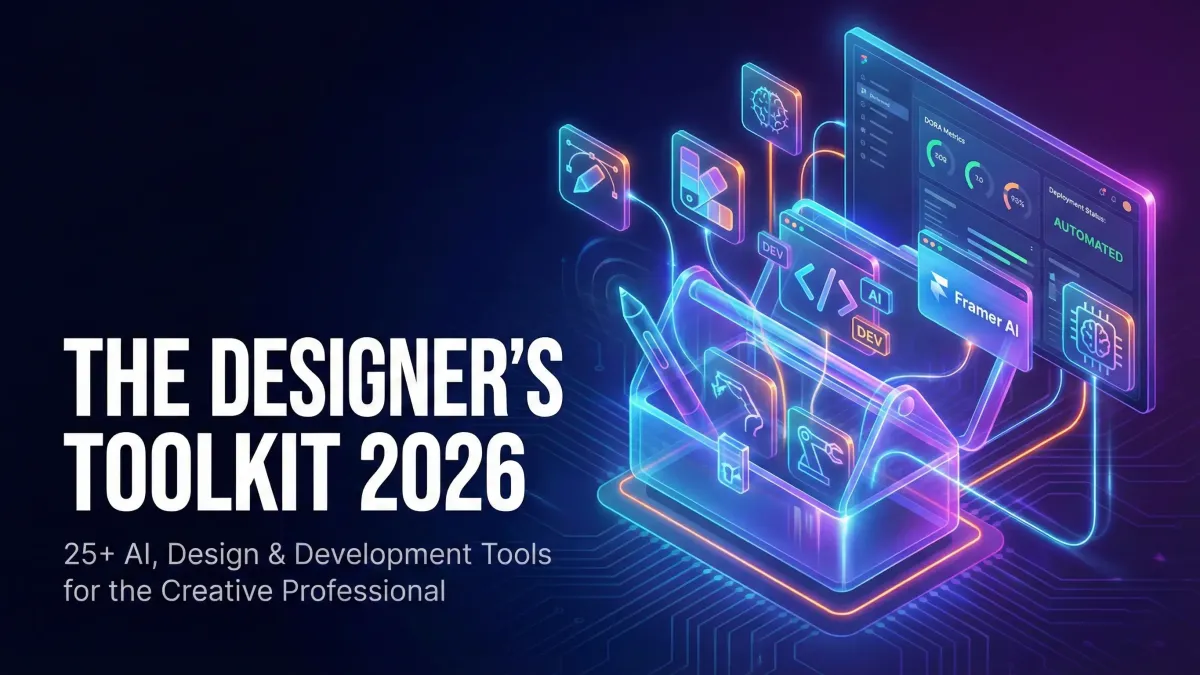
Master your 2026 workflow with 25+ essential AI tools. From Figma AI to Cursor, discover the ultimate stack for modern creative professionals.
I've been doing this job for over fifteen years. I'm comfortable with change. But the last two years? They haven't just changed the tools; they've fundamentally changed the role of the creative professional.
Look, if your toolkit hasn't evolved dramatically since 2024, you are already falling behind. Seriously. We're not talking about minor updates anymore. We are talking about integrating tools that handle planning, coding, and testing - the entire stack.
What I've found is that the professionals who thrive are the ones who treat AI not as a replacement, but as their most demanding, relentless intern. My job here is to give you the playbook for 2026. This isn't just a list; it's a strategy.
Let's get into it.
The AI Revolution: Generative Design and Automation Tools (2026)

The pace is blistering. Just look at the raw numbers we're seeing. Daily usage of AI tools is huge, approaching 43% globally for generative AI alone, and hitting 70% inside workplaces. That massive growth transforms everything.
In fact, the shift is already happening on the engineering side - 41% of all code is now generated by AI. Think about that for a second. Our work, the visual interface, is now riding on systems where half the underlying logic might have been written by a machine.
I used to think of AI purely as a visual aid. Actually, wait - it's far more valuable as a developer assistant and a debugging partner.
AI Coding & Developer Assistants
For designers who often dip their toes into code - or collaborate closely with engineering - these tools are non-negotiable. They stop you from getting stuck. They save time.
ChatGPT, which hit 700 million weekly users by mid-2025, is still the foundational tool for quick research. But for complex, multi-step dev tasks, I turn to Claude. Specifically, Claude Opus 4.5 and Claude Code handle huge context windows. They can digest an entire client codebase just to write a custom component for you.
Now, if you are working on something multimodal - integrating complex visuals and code - Google's Gemini 3 Pro is essential. It's built for that overlap. It surpassed GPT-5.2 in 2026 benchmarks for a reason.
And yes, GitHub Copilot remains the most widely adopted coding assistant, living right inside your IDE. My engineers use its impact dashboard - Cortex provides one - to actually measure the lift. Productivity boosts aren't just feelings; they are measurable DORA metrics now.
AI for UI/UX Design
The design tools themselves are getting smarter. I've been using Figma AI daily. It's brilliant for generating layouts and cleaning up spacing on repetitive elements. It's removing friction without replacing the core design thinking.
If you need a rapid, polished marketing page - like, yesterday - Framer AI turns a text prompt into a clean, responsive web page immediately. This saves days on early-stage client pitches, absolutely days.
Sometimes you have the concept clear, but the visual execution is murky. That's when Galileo AI shines, providing layout inspiration and visual direction that you can immediately pull from.
Text-to-Image & Visual Concepting
Side note: Visual generation has stabilized, but its real value is speed. We use it for rapid mood boards, hero image concepts, and ad creatives. It turns a one-hour search for stock photos into a five-minute prompt session.
Ecosystem & Categorization Methodology: How to Build Your 2026 Toolkit
The biggest challenge isn't learning a new tool; it's managing tool sprawl. Every week, there's a new AI startup promising to "disrupt" something. You can't adopt them all.
What I've found is you need a framework.
Avoiding Tool Overload
You need a minimal essential stack. Stick to the foundational design tools, a single large language model (LLM), and one AI code assistant. That's it.
Last year, I worked with a startup whose design team tried to run five different prototyping tools simultaneously. The file handoffs were a disaster, and nobody knew where the source of truth was. Stick to tools that integrate seamlessly.
Stack Building by Role
Your stack should reflect your job. A product designer needs deep collaboration tools and testing integration. A marketing creative needs fast visual and copy generation.
For the design-focused developer, that means prioritizing tools like Cursor, an AI-first code editor designed for pair-programming. It references existing files and documentation, making iteration much faster.
Tool Categories for 2026
We classify tools based on their primary workflow impact:
- Design Acceleration: Figma AI, Framer AI, Galileo AI (Rapid Prototyping, Layout)
- Dev Co-Pilot: GitHub Copilot, ChatGPT, Claude (Code Completion, Debugging)
- Autonomous Engineering: Devin (Full project planning and execution)
- Validation & Quality: Codium, QA Wolf, Machinet (Testing, Test Coverage)
- Shipping/No-Code: Webflow AI, Retool, Bubble (Deployment, MVPs)
The Design-to-Development Handoff: Tools Bridging the Gap
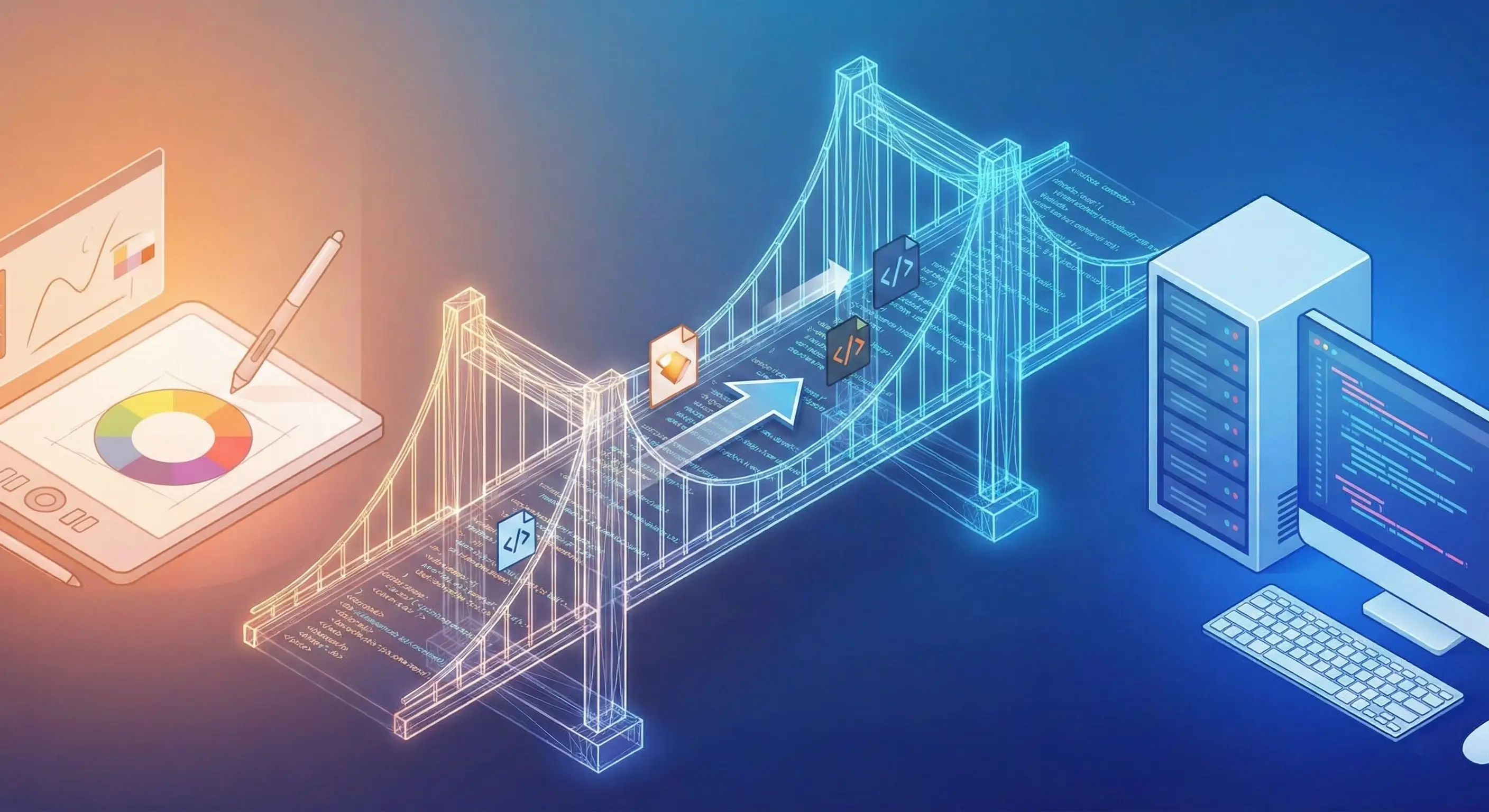
This is where the money is made - getting the design implemented correctly. Historically, this is the biggest friction point. AI is dissolving that friction.
We need systems that track performance. Tools like Cortex are now essential. It's an engineering intelligence platform that connects AI adoption directly to DORA metrics - deployment frequency, cycle time.
In my experience, if you can't measure the impact of an AI tool, you shouldn't be paying for it.
Collaboration Between Designers & Engineers
The rise of autonomous engineers like Devin - which handles planning, coding, testing, and deployment - means designers need to be precise on requirements. Devin doesn't tolerate ambiguity.
This requires tighter collaboration on acceptance criteria. We've started using engineering intelligence dashboards to track the health of our design systems.
Design-to-Code Automation
I've tested Cursor quite a bit. It's genuinely impressive for turning a specific design iteration into runnable code because it has the context of the whole project. You don't have to explain the design system tokens; it just knows.
Validation and Testing
If you ship faster, you break things faster. We need better quality control built directly into the development workflow.
I insist my teams use tools that generate tests automatically. Codium provides real-time unit test suggestions right in the IDE. This boosts unit test coverage significantly, making development less risky.
For front-end visual QA, Machinet automates end-to-end (E2E) tests by recording user sessions. We used to spend hours manually clicking through edge cases; now we automate visual regression.
Even for release confidence, tools like Harness predict deployment risks and suggest rollbacks before your users see a failure. That's crucial.
Workflow Automation & Low/No-Code Platforms for Creatives
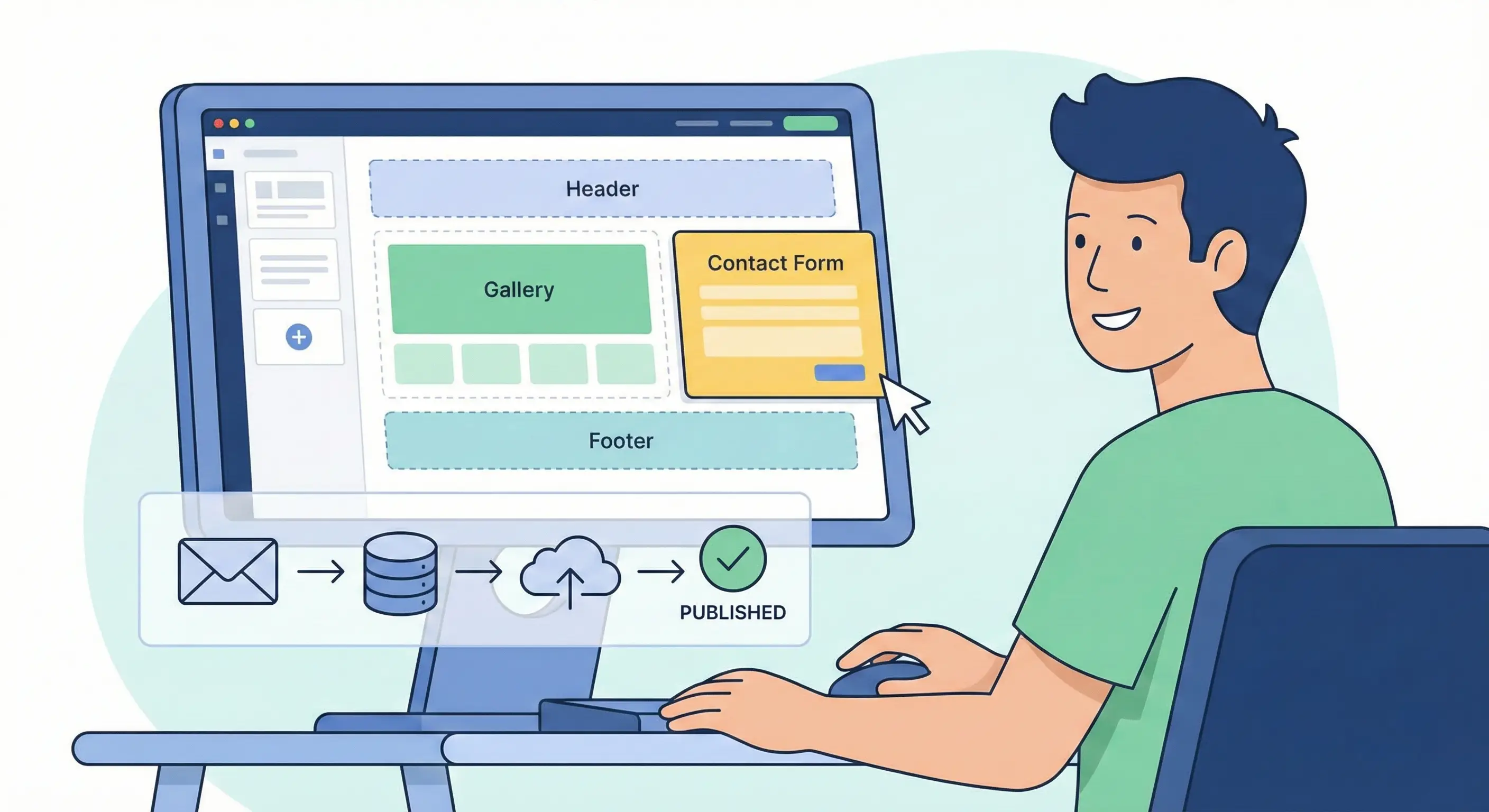
I won't pretend to be a full-stack engineer. But I shouldn't have to be to ship a basic product.
The goal here is speed and validation. Turning an idea into a functional minimum viable product (MVP) used to take weeks of engineering time. Now, we're talking days.
When to Use Low-Code vs Custom Code
Here's the thing: low-code isn't always the answer. If you need extreme scale, high performance, or tight control over security, custom code wins.
But for internal dashboards, quick admin tools, or early-stage MVPs? Low-code is king. Retool, for instance, lets non-front-end developers build sophisticated internal tools using AI-assisted queries and UI generation. We used Retool to spin up a quick client status dashboard last month in about five hours.
No-Code Website Builders (AI-Assisted)
For marketing sites and portfolios, Webflow AI is a huge time-saver. It builds production-ready sites fast, balancing no-code speed with high design fidelity and CMS integration. It absolutely streamlines the development process for creatives who manage content heavy sites.
And Bubble is still the heavyweight for complex logic and workflows. It has a steep learning curve, but if you need a truly powerful no-code MVP, Bubble is my recommendation.
The Next Generation of Collaborative & Remote Workflow Tools
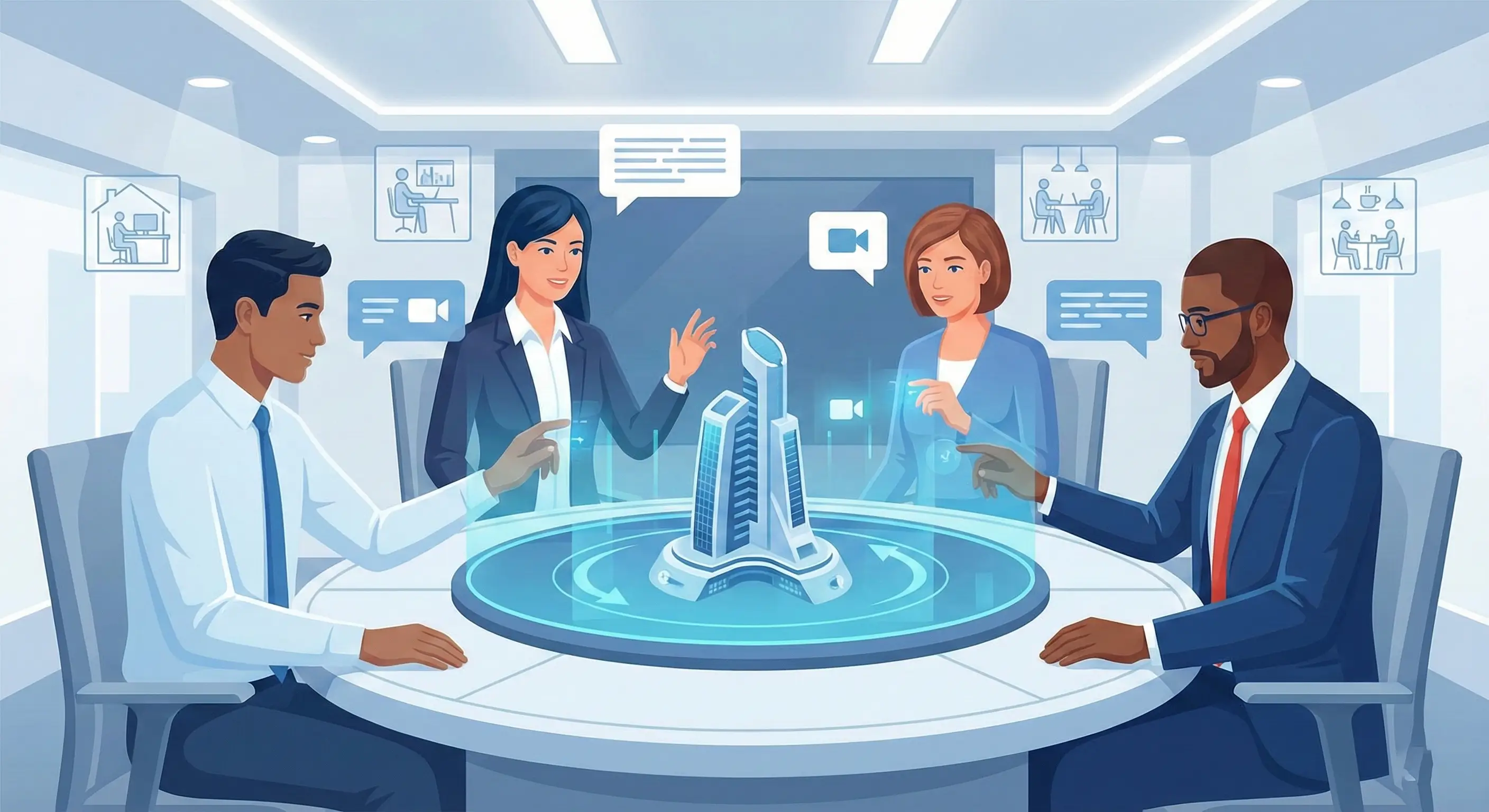
Even with AI handling the rote work, communication is still the bottleneck. If you work remotely, collaboration tools must be flawless.
We've moved past just having a shared drive.
Creative Team Productivity Systems
Visibility is key. We need systems that track not just tasks, but the impact of those tasks. Platforms like Cortex, which I mentioned earlier, track readiness scorecards. It helps us prove that our design system changes are actually improving velocity.
Synchronous Review & Feedback Tools
Review loops need structure. We shouldn't be using Slack threads for design critique. I prefer dedicated tools that allow versioned comments and clear approval audit trails.
For ideation, whiteboarding tools remain essential. You still need to align stakeholders in real-time. But now, those tools often integrate generative AI features to summarize sessions or categorize sticky notes automatically. It's helpful.
Future-Proofing Your Toolkit: 3D, XR, and Advanced Prototyping

We are still mainly designing 2D screens, but the world is expanding. Every designer needs to start thinking in three dimensions and multimodal inputs.
Preparing for Emerging Interfaces
AI-first products often require multimodal UI thinking. You aren't just designing a button; you're designing how the user interacts via voice, text, and visual input. This is challenging. But exciting.
3D Design for Creatives
We need to stop thinking of 3D as some highly specialized skill. Tools are emerging that make creating web-ready 3D visuals and interactive scenes much easier. Product visuals need to move beyond static renders.
XR & Immersive Experiences
I won't pretend I'm an expert in WebXR yet - I'm still learning the spatial UI fundamentals myself. But the smart designers are starting to prototype simple spatial interfaces. It's where design is heading, whether we like it or not.
Ethical Design, Licensing, and AI Legal Considerations
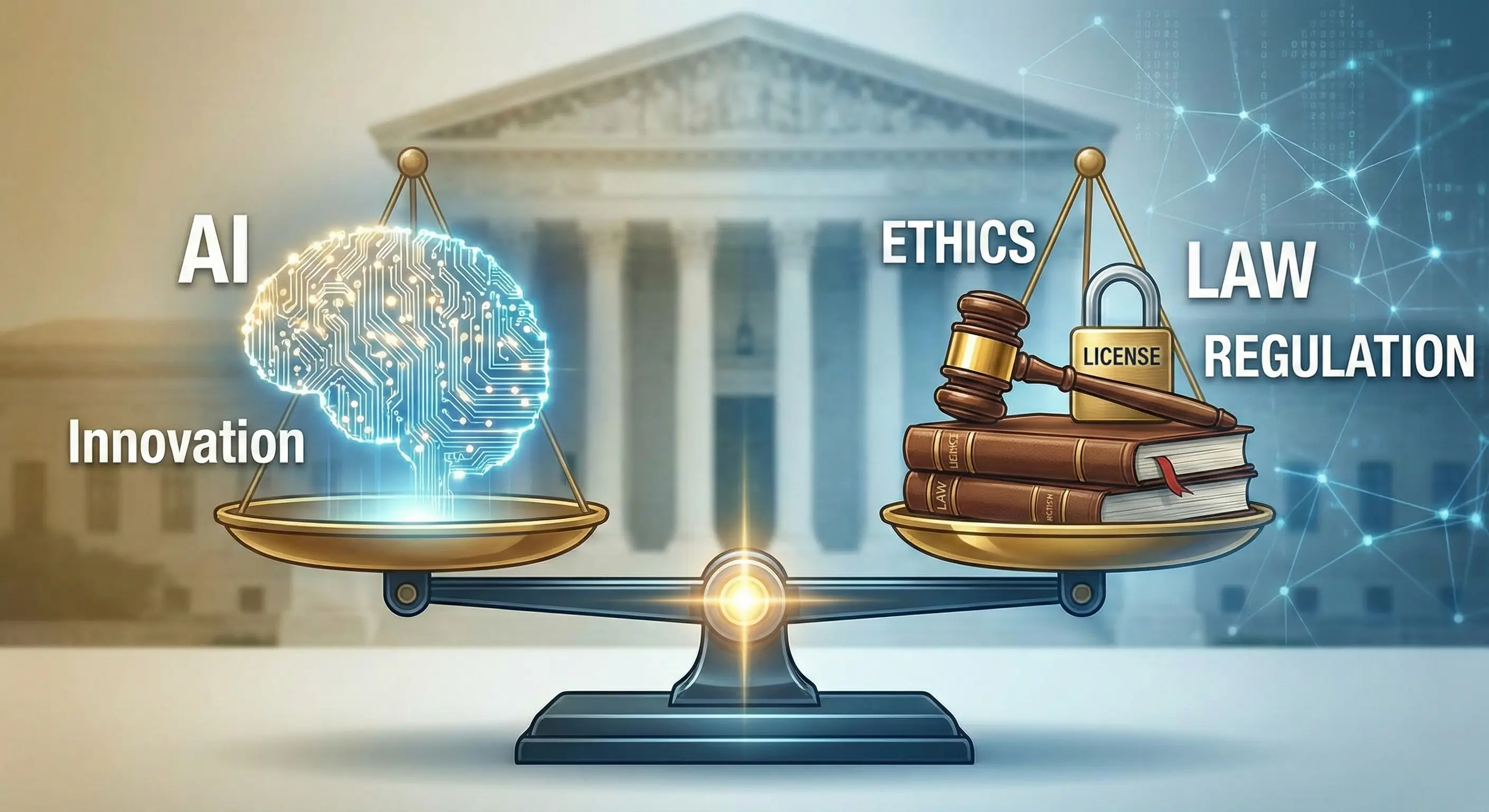
Here's the direct, professional advice: Protect yourself. Protect your clients. The legal landscape surrounding AI output is muddy, and being prepared is vital.
Professional Best Practices
You must document your workflow. If you use a tool like ChatGPT or Gemini to generate code snippets or design concepts, you need a disclosure policy. Transparency builds trust with your clients.
Last year, I had a contract where we explicitly defined ownership. We documented which elements were 100% human designed versus AI-assisted versus AI-generated. You should too.
Copyright & Licensing Basics for AI Outputs
The biggest risk is commercial usage. Who owns the output if the source data included copyrighted material? We simply don't have definitive case law yet.
Therefore, when delivering final assets, I recommend using AI tools for ideation and iteration, but ensuring the final, production-ready assets are heavily revised, polished, and owned by the human designer.
Privacy & Security in Creative Workflows
If you are using client proprietary data or NDA projects, you cannot dump that into a public LLM like standard ChatGPT. You need models or custom setups - like using Claude Code on internal infrastructure - that promise higher security and data governance. Govern your usage consistently.
Conclusion
The 2026 toolkit isn't a static set of apps. It's a dynamic, intelligence-driven workflow. It requires adaptability, and honestly, a lot of patience as new tools break old habits.
Your value as a creative professional isn't in generating the code or the first layout. It's in knowing what to ask the AI, how to refine the output, and how to shepherd the product from concept to measurable quality. Focus on that. You'll be fine.

0 Comment(s)
Be the first to leave a comment!